
You can connect to the network by connecting through WiFi. WiFi access is enabled on your laptop, PC or phone. Here are the steps on how to connect:
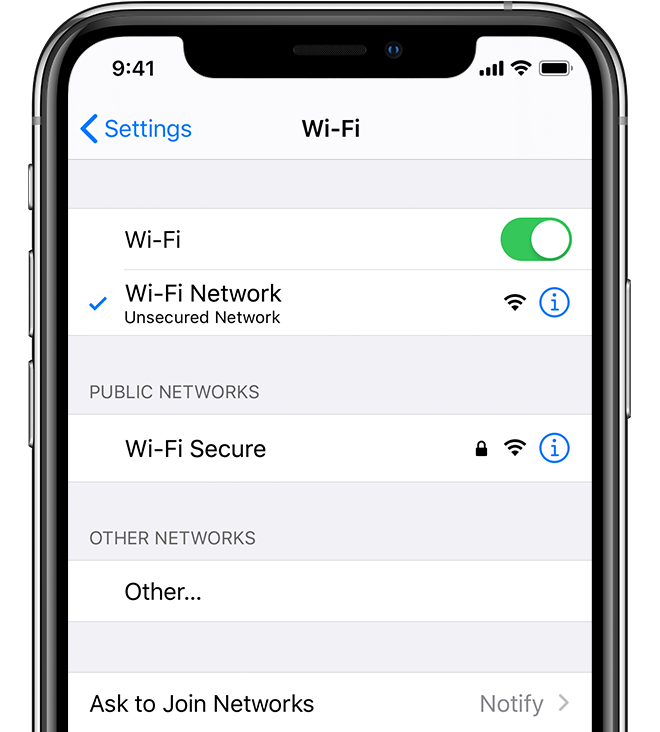
1. Go to the WiFi settings on your device.
2. Choose the "Network_Only" access point
3. Login with your credentials to get access to the network.
4. Open your web browser and test connection by going to yahoo.com
5. You're connected! Repeat steps 1-4 for the rest of your devices.
Still having issues? Check this video out for a step by step:
Comments
0 comments
Please sign in to leave a comment.